Construction Schedule Template: Build a Project Timeline That Keeps Crews on Track
A free construction schedule template plus a step-by-step process to build a project timeline that prevents delays, manages subs, and keeps your jobs on budget.
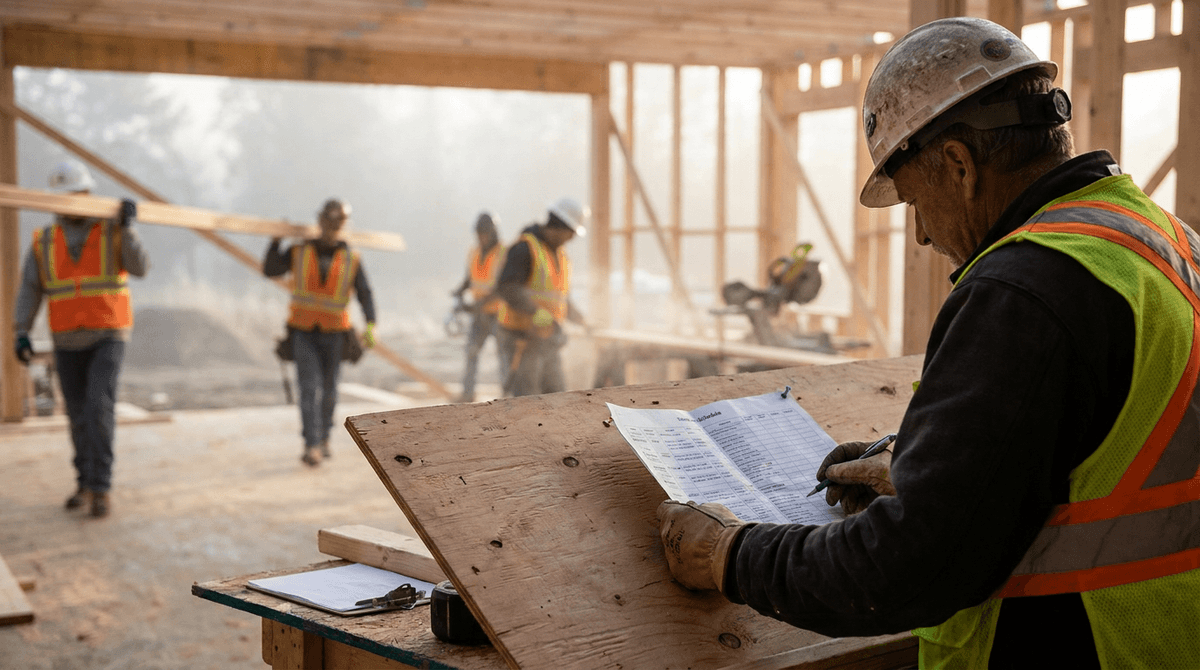
If you've ever lost a week because the drywall crew showed up before the electrical was inspected, you already know why a construction schedule template matters. A timeline isn't paperwork — it's the difference between a job that finishes on budget and one that bleeds margin every time a trade waits on another trade. This guide gives you a template you can copy today, plus the process to build a schedule that actually holds up on a real job site.
Why a Construction Schedule Template Saves You Money
Most small contractors run the schedule in their head or on a whiteboard. That works until you're juggling three jobs and four subs. The moment one task slips, everything downstream slips with it — and you're the one eating the cost of idle crews, rescheduled inspections, and an angry client asking why move-in got pushed two weeks.
A written construction schedule does three things a mental plan can't. It exposes dependencies before they bite you, so you see that framing has to pass inspection before insulation can start. It gives subs a date they can plan around, which means they actually show up when you need them. And it ties payment milestones to completed work, so your cash flow stays ahead of your costs instead of behind them.
The template below isn't complicated. The discipline of filling it out is what pays off.
What to Include in Your Construction Schedule Template
Every useful construction schedule has the same core columns. Keep it simple — a schedule nobody updates is worse than no schedule at all.
The Core Columns
A workable template tracks these fields for every line:
- Phase — the major stage of work (site prep, foundation, framing, MEP rough-in, etc.)
- Task — the specific activity inside that phase
- Responsible party — your crew, a named subcontractor, or an inspector
- Start date and finish date — the planned window for the task
- Duration — working days the task should take
- Depends on — the task that must finish before this one can begin
- Status — not started, in progress, blocked, or complete
That "depends on" column is the one most people skip, and it's the one that prevents the drywall-before-inspection disaster. Spell out what blocks what.
Build Around Milestones, Not Just Tasks
Tasks tell your crew what to do. Milestones tell everyone — including the client and your bank account — whether the job is on track. Set a handful of clear checkpoints: permits approved, foundation passed, dried-in, rough-ins inspected, substantial completion, final sign-off. Tie a client update and, where it makes sense, a draw or progress payment to each one. Milestones turn a list of chores into a plan with a heartbeat.
A Sample Construction Schedule (Kitchen & Bath Renovation)
Here's what a filled-in construction schedule template looks like for a typical mid-size renovation. Adjust the durations to your market and crew size.
| Phase | Task | Responsible | Duration | Depends On |
|---|---|---|---|---|
| Pre-construction | Permits & approvals | Owner/PM | 5 days | Signed contract |
| Demolition | Tear-out & haul-off | Crew | 3 days | Permits approved |
| Rough-in | Plumbing rough | Plumbing sub | 3 days | Demo complete |
| Rough-in | Electrical rough | Electrical sub | 3 days | Demo complete |
| Rough-in | HVAC adjustments | HVAC sub | 2 days | Demo complete |
| Inspection | Rough-in inspection | Inspector | 1 day | All rough-ins done |
| Insulation/Drywall | Insulate & hang drywall | Drywall sub | 4 days | Rough inspection passed |
| Finishes | Cabinets & countertops | Crew/installer | 5 days | Drywall & paint done |
| Finishes | Flooring & tile | Tile sub | 4 days | Cabinets set |
| Finishes | Plumbing & electrical trim | Subs | 2 days | Fixtures on site |
| Closeout | Punch list & final clean | Crew | 2 days | All finishes complete |
| Closeout | Final inspection & walkthrough | Inspector/Client | 1 day | Punch list cleared |
Notice how the rough-in trades run in parallel but everything funnels into a single inspection gate. That gate is where most renovation timelines live or die. Build your schedule so the dependencies are obvious and nobody has to guess what comes next.
How to Build Your Schedule Step by Step
1. List Every Phase First, Then Break It Down
Start broad. Write out the major phases from permits to punch list, then go back and fill in the tasks under each one. Working top-down keeps you from forgetting a whole stage — like the inspection that has to happen before you can close the walls.
2. Estimate Durations Honestly
Use real numbers from past jobs, not best-case guesses. If demo usually takes three days with your crew, schedule three days — not the two you wish it took. Optimistic durations are how schedules fall apart in week one.
3. Sequence by Dependency
Go task by task and ask: what has to be done before this can start? Lay the tasks out so dependent work never gets scheduled ahead of the work it relies on. This is the single most valuable thing the template does for you.
4. Add Buffer for Inspections and Weather
Inspectors don't come the minute you call, and rain doesn't check your calendar. Build a day or two of float around inspection gates and weather-sensitive work like concrete or roofing. A schedule with zero slack is a schedule that's already late.
5. Tie Payments to Milestones
Map your draw schedule or progress invoices to completed phases — foundation poured, dried-in, rough-ins passed. This keeps cash coming in as costs go out and gives the client clear, defensible checkpoints for each payment. (If you don't have a payment template yet, our construction invoice template and job costing guide pair well with this.)
Where the Spreadsheet Template Breaks Down
A spreadsheet construction schedule template is a fine place to start, and you should absolutely use one if that's all you have. But it has a ceiling, and you'll hit it fast.
A spreadsheet doesn't tell your framing crew that the inspection passed and they're clear to start. It doesn't update itself when a sub finishes early or runs two days long. It doesn't warn you that a slipped rough-in just pushed your dried-in milestone past the client's move-in date. Every one of those updates is a phone call, a text, or a missed beat — and across multiple jobs, that overhead is where your week disappears.
That's the gap construction-specific software closes. In PropertyHQ, the schedule isn't a separate document you maintain by hand — it's tied to the actual job. The Renovations module supports milestone-based scheduling with subcontractor coordination, so a change in one task ripples through the timeline automatically. The Foreman Portal pushes each crew a daily agenda built from the schedule, with photo-required task completion so you have proof the work got done. And Rex, the built-in AI assistant, can flag overdue tasks and budget overruns before they snowball into a blown deadline.
You don't need that on day one. A clean template and the discipline to update it will carry a single small job just fine. But the moment you're running several projects with overlapping crews, a schedule that updates the field automatically stops being a luxury and starts being the thing that protects your margin.
The Bottom Line
A construction schedule template is one of the highest-leverage documents in your business. It forces you to think through dependencies before they cost you, gives your subs dates they can plan around, and keeps your cash flow tied to real progress. Start with the sample above, fill in your own phases and durations, and update it religiously. When the manual updates start eating your week, that's your signal to move the schedule into software that does the updating for you.
PropertyHQ offers a 7-day free trial with no credit card required, so you can run your next project on a live schedule and see the difference before you commit.
PropertyHQ is modular construction management software built for trade contractors — HVAC, plumbing, renovations, and house flipping. Subscribe only to the modules your business needs.
Frequently Asked Questions
- What should a construction schedule template include?
- A good construction schedule template includes every phase of the job, the tasks under each phase, start and finish dates, durations, who is responsible (crew or sub), task dependencies, and milestones for client check-ins and payments. The goal is a single document that shows what happens, when, and in what order.
- How do you make a construction schedule?
- Start by listing every phase from permits to punch list, break each phase into tasks, estimate how long each task takes, then sequence them by dependency — work that can't start until something else finishes. Assign each task to a crew or subcontractor, add buffer for inspections and weather, and tie payment milestones to completed phases.
- What is the best tool for scheduling construction projects?
- A spreadsheet template works for a single small job, but it breaks down fast across multiple projects because it doesn't update crews automatically or track dependencies. Construction-specific software like PropertyHQ links the schedule to the actual job, pushes daily task lists to the field, and flags slipping milestones before they blow your timeline.
Ready to streamline your business?
PropertyHQ gives construction businesses the tools to manage jobs, invoices, and teams — all in one place.
View Pricing